Programming Buttons (Office Phones)
- Press the
 button at the bottom of the Programmable Buttons widget, or open the MPK app on the second page of the phone’s home screen
- Press the
 button at the top-right to add a button
 -
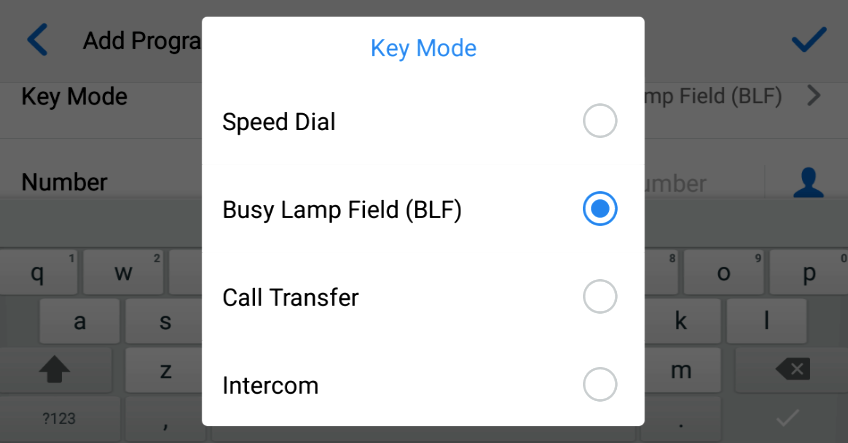
Change Key Mode to Busy Lamp Field (BLF)
-
If not already selected, select your name in the Select Account dropdown
-
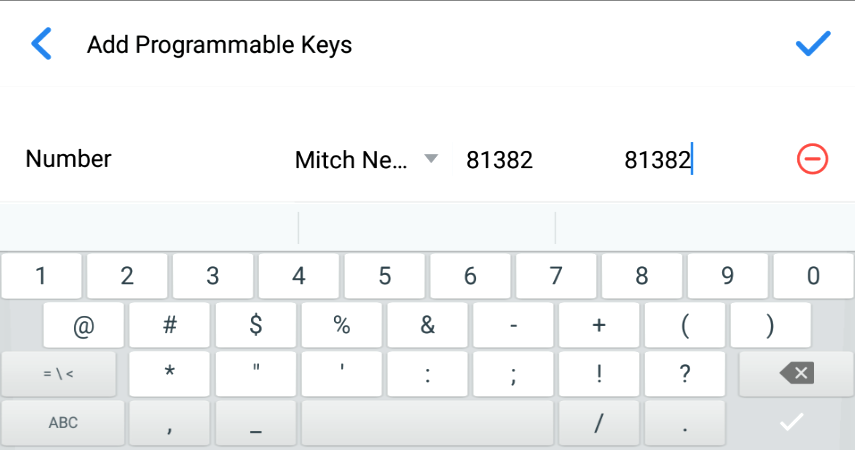
Enter the user’s extension for both Name and Number, then press the check in the top-right to save
-
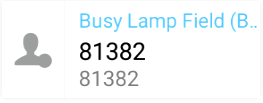
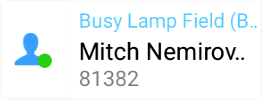
The button will automatically update the name to the user’s name after a few moments